

Website to Twitter Posts Automation
Build an automation that scrapes any website and generates up to 9 engaging Twitter posts with images. Perfect for promoting products, blog posts, and launches without manual content creation.
Two-Layer Architecture
Flow Playground
The crawling and content generation engine. Analyzes websites, extracts key pages, and generates Twitter posts with images.
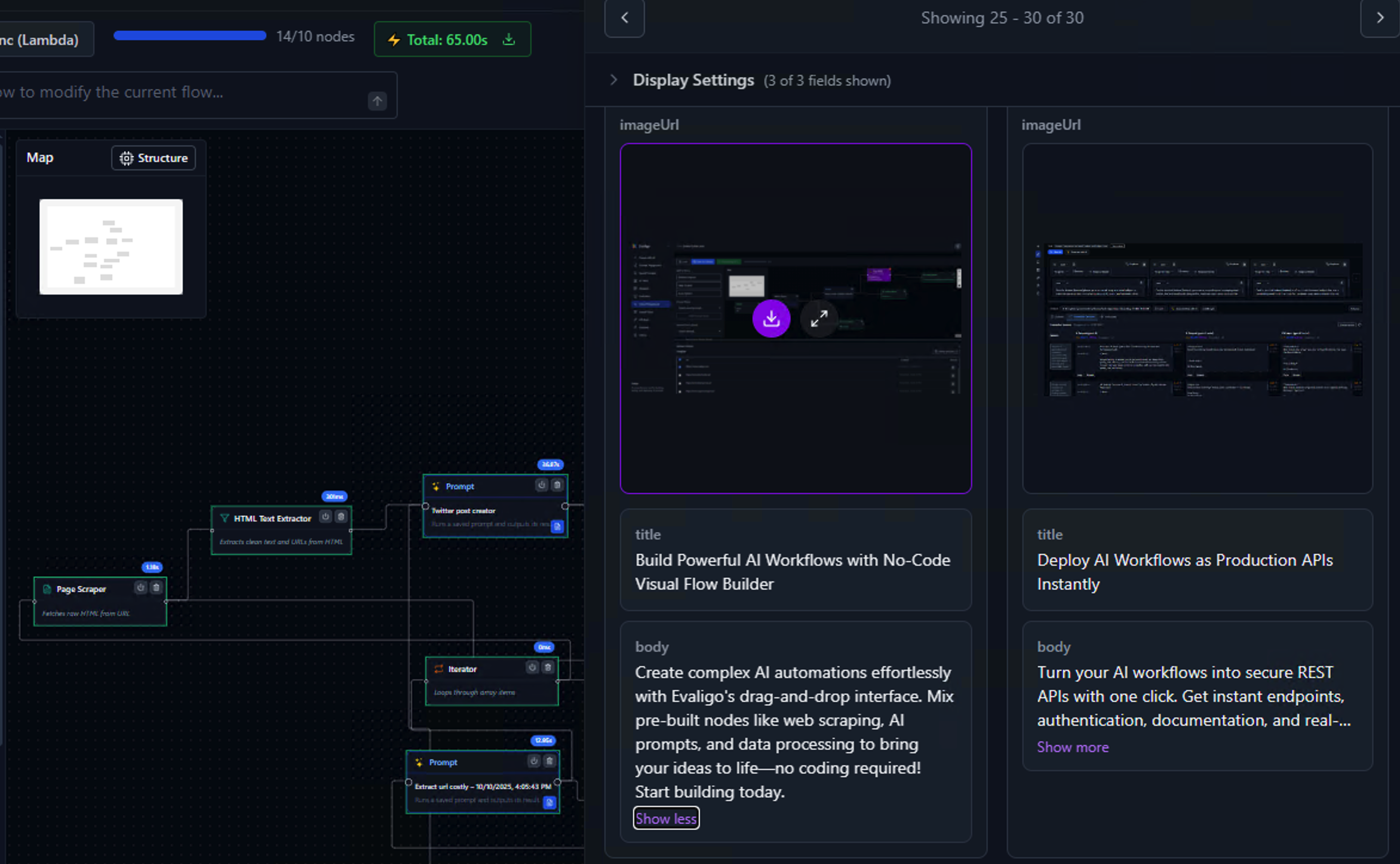
App Playground
The user interface. Simple URL input that displays generated posts in an image gallery with titles and bodies.
Part 1: The Website Crawler & Twitter Generator Flow
This flow crawls a website, identifies the 3 most marketing-relevant pages, and generates up to 3 Twitter posts per page (9 total). Uses GPT-4.1-mini for cost efficiency.
Complete Flow (Left to Right)
Breaking Down Each Node
Receives website URL from the app form.
Crawls the website and maps its structure with page metadata.
Tree structure of all URLs with titles and descriptions.
AI analyzes the crawl tree and picks the 3 most marketing-relevant pages.
Array of 3 URLs with summaries.
Splits 3 URLs into separate threads. Processes all pages simultaneously.
Parallel: ~15s total3x faster!
Fetch HTML, then extract clean text. Removes tags, scripts, styles.
- • Raw HTML confuses AI
- • Clean text = better posts
- • Lower token costs
Clean text ready for AI analysis.
Creates up to 3 Twitter posts per page. Max 280 chars each. Includes image URLs when available.
html Clean texturl Source page- • Extracts image URLs from page
- • 280 character limit (Twitter)
- • Prioritizes posts with good images
- • Avoids logo-only images
Combines 3 arrays into one. [[3], [3], [3]] becomes [9 posts].
Iterator needs a flat array, not nested ones.
Loops through all 9 posts one by one.
Dataset writes are fast (~50ms). 9 writes = 0.5 seconds. No need to parallelize.
Saves all posts to cloud storage.
- • Display in Image Gallery UI
- • Post library for reference
- • Ready-to-use Twitter content
- • History of all generated posts
Input (URL), then Crawler (map site), then Extract URLs (top 3 pages), then Split (3 threads), then Fetch + Extract (per page), then Generate Posts (3 per page, 9 total), then Flatten, then Iterator, then Dataset (save all posts).
Part 2: The App Playground (User Interface)
Now that we have the flow built, let's create the UI that lets users input a URL and view generated posts in an image gallery.
Complete App Structure
How It Works Together:
- 1. Paste URL: "https://myproduct.com/blog/new-feature"
- 2. Click submit button
- 3. Wait ~45 seconds (progress indicator shows)
- 4. View 9 generated Twitter posts in image gallery
- 5. Copy posts and images to share on Twitter
Deployment
REST API
Deploy as an API endpoint
Embed Widget
Embed the App UI in your website
Ready to Automate Your Twitter Marketing?
Start building with Evaligo's visual workflow builder. No coding required.