
Best Practices · 18 min read
Scaling AI Workflows: From Prototype to Production | Complete 2026 Guide
Learn how to scale AI workflows from prototype to production with batch processing, parallel execution, API deployment, and error handling. Practical strategies for performance optimization, cost reduction, and reliability at scale.
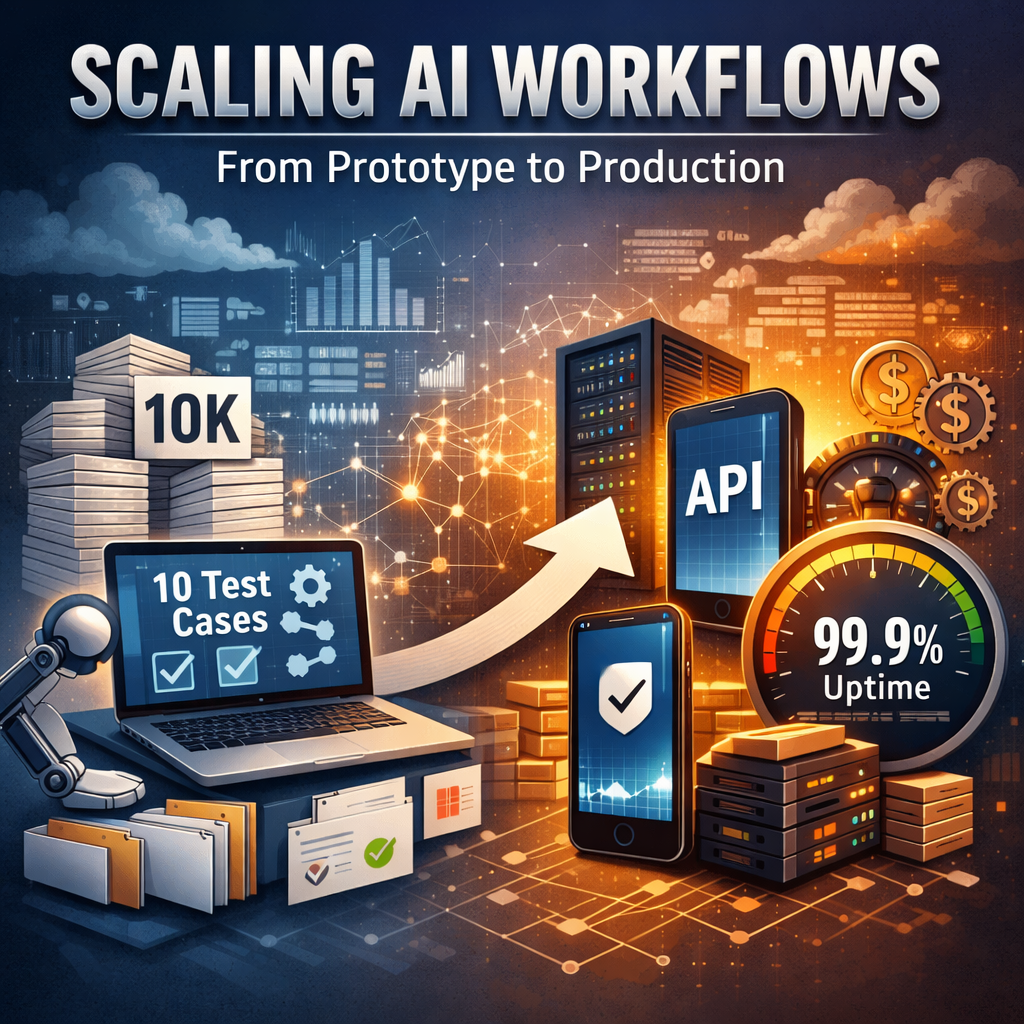
You've built an AI workflow that works perfectly with 10 test cases. Now your stakeholders want to process 10,000 items daily, expose it as an API for your mobile app, and guarantee 99.9% uptime. Welcome to the reality of scaling AI workflows from prototype to production.
According to MIT's 2025 State of AI in Business report, a striking 95% of AI pilots fail when they leave the demo stage. The gap between prototype and production isn't just technical; it requires fundamentally different thinking about architecture, resilience, and cost management.
This comprehensive guide will walk you through the technical strategies, architectural patterns, and best practices that separate hobby projects from production-grade AI automation systems.
Understanding the Scaling Challenge
Scaling AI workflows isn't just about handling more requests; it's a multidimensional challenge that impacts every aspect of your system. The workflow automation market reached $23.77 billion in 2025 and is projected to reach $40.77 billion by 2031, driven largely by AI integration. When you move from processing 10 items to 10,000, you encounter bottlenecks that were invisible at small scale: API rate limits that seemed generous suddenly become restrictive, AI model costs that were negligible balloon to thousands per month, and execution times that felt instant stretch to hours.
The fundamental difference between a prototype and production workflow lies in three critical dimensions: throughput (how many items you can process per hour), reliability (your ability to handle failures gracefully), and cost efficiency (keeping expenses predictable as volume grows).
A workflow that processes customer support tickets one-by-one might work fine for 50 tickets daily, but at 5,000 tickets, you need parallel processing, intelligent batching, and sophisticated error recovery. Understanding these dimensions helps you architect solutions that scale linearly rather than exponentially in complexity and cost.
Batch Processing: The Foundation of Scale
Batch processing is your first line of defense against scaling challenges. Instead of processing items individually, batch processing groups multiple items together, dramatically reducing overhead and improving throughput. When you send 100 API requests to an AI model individually, you pay the latency cost 100 times: connection establishment, authentication, and network round trips. Batch those same requests, and you pay once.
Implementing effective batch processing requires understanding three key parameters: batch size, timeout windows, and failure handling.
Batch size determines how many items you group together: too small and you don't gain efficiency, too large and a single failure affects too many items. Start with batch sizes of 10-50 items and adjust based on your specific use case. Timeout windows define how long you'll wait to accumulate a full batch before processing what you have. If you're processing user uploads, a 30-second timeout might be acceptable; for real-time chat moderation, you might need 2-3 seconds.
The real power of batch processing emerges when combined with parallel execution. Instead of processing one batch at a time, modern workflow systems can process multiple batches simultaneously. For example, if you have 1,000 customer reviews to analyze with GPT-4, you could create 20 batches of 50 reviews each and process 5 batches in parallel. This approach reduces total processing time from 20 minutes to 4 minutes while respecting API rate limits and managing costs effectively.
Tools like Evaligo's batch processing nodes handle this orchestration automatically, managing the complexity of splitting, parallelizing, and reassembling results.
Parallel Execution Patterns for Maximum Throughput
Parallel execution transforms workflow performance by allowing multiple operations to run simultaneously rather than sequentially. The key is identifying which parts of your workflow can safely run in parallel without dependencies. Consider a content moderation workflow: you might check text for profanity, analyze images for inappropriate content, and verify links against a blocklist. These three operations don't depend on each other; they can all run simultaneously, cutting total execution time by two-thirds.
Implementing parallel execution requires careful consideration of resource limits and dependency management. Most AI APIs impose rate limits. OpenAI's GPT-4 might allow 10,000 requests per minute, but only 500 concurrent requests. Your parallel execution strategy must respect these limits while maximizing throughput. This is where dynamic concurrency control becomes crucial. Instead of hardcoding "process 100 items in parallel," production systems monitor API response times and error rates, automatically adjusting concurrency up when resources are available and throttling back when approaching limits.
The Map-Reduce Pattern
The map-reduce pattern is particularly powerful for AI workflows. You "map" your input data across multiple parallel workers, each processing a subset independently, then "reduce" the results back together. For instance, analyzing sentiment across 10,000 customer reviews: split reviews into 100 groups, analyze each group in parallel using 10 concurrent workers, then aggregate the sentiment scores.
This pattern scales horizontally. Need faster processing? Add more workers. The challenge lies in handling partial failures: if 2 of your 100 batches fail, do you retry just those batches or reprocess everything? Production systems implement checkpoint mechanisms that track completed batches, allowing surgical retries without wasting resources on successful operations.
Deploying Workflows as Production APIs
Transforming your workflow into a production API changes everything. Suddenly you're not just processing data; you're providing a service that other systems depend on. This requires thinking about authentication, rate limiting, versioning, documentation, and SLAs. Your workflow that took 30 seconds to run in testing needs to respond in under 5 seconds in production, or you need to implement asynchronous patterns where clients submit jobs and poll for results.
API Deployment Architecture Patterns
API deployment architecture typically follows one of three patterns:
- Synchronous: client waits for result
- Asynchronous: client gets job ID, polls for completion
- Webhook: workflow calls client back when done
Synchronous APIs are simplest but only work for fast workflows, generally under 10 seconds. Beyond that, clients timeout and you waste compute on abandoned requests. Asynchronous patterns scale better: client submits a request, receives a job ID immediately, and checks status periodically. This allows workflows to take minutes or hours without tying up client connections.
Production API deployment requires robust infrastructure: load balancing to distribute requests across multiple workflow instances, health checks to detect and route around failures, request validation to reject malformed inputs before wasting AI credits, and response caching to avoid reprocessing identical requests.
Consider a workflow that generates product descriptions from images. If multiple users upload the same product image, you can cache the first result and serve it instantly to subsequent requests. This is where platforms like Evaligo excel: they handle the infrastructure complexity, letting you focus on workflow logic while automatically providing API endpoints, authentication, monitoring, and scaling.
Error Handling and Resilience at Scale
At small scale, errors are annoyances. At production scale, they're existential threats. When processing 10,000 items, even a 1% error rate means 100 failures. Without proper error handling, these failures cascade: they block dependent operations, waste AI credits on partial results, and require manual intervention to recover. Production workflows need graceful degradation, the ability to continue operating even when components fail.
Tiered Error Handling Strategy
Implement a tiered error handling strategy:
- Transient errors (network timeouts, rate limits) should trigger automatic retries with exponential backoff
- Permanent errors (invalid input, authentication failures) should fail fast with clear error messages
- Partial errors (3 of 10 batch items failed) should process successful items while quarantining failures for review
The key is distinguishing between these categories automatically. If an AI model returns "rate limit exceeded," that's transient: wait 60 seconds and retry. If it returns "invalid API key," that's permanent, and retrying won't help.
Circuit Breakers
Circuit breakers prevent cascading failures when external services become unreliable. If your workflow calls an image analysis API and 50% of requests start failing, the circuit breaker "opens," temporarily stopping requests to that service and returning cached results or degraded functionality instead. This prevents your entire workflow from grinding to a halt waiting for a failing service.
After a cooldown period, the circuit breaker allows a test request through. If it succeeds, normal operation resumes; if it fails, the breaker stays open. Production systems also implement dead letter queues, a separate storage area for items that failed all retry attempts. This allows you to continue processing new items while investigating failures offline, rather than blocking the entire workflow.
Performance Optimization Techniques
Performance optimization begins with measurement. You can't optimize what you don't measure. Instrument your workflows to track execution time per node, API call latency, data transfer sizes, and cost per execution. This reveals bottlenecks that aren't obvious from casual testing. You might discover that 80% of your workflow's execution time is spent on a single AI model call, or that data serialization between nodes consumes more time than the actual processing.
Targeted Optimizations
Once you've identified bottlenecks, apply targeted optimizations:
- Prompt optimization can reduce AI model token usage by 50-70% without sacrificing quality. Shorter prompts mean faster responses and lower costs
- Response streaming allows workflows to start processing AI model outputs before the complete response arrives, reducing perceived latency
- Selective processing skips unnecessary operations. If you're analyzing customer reviews for sentiment, you might skip neutral reviews and only deeply analyze positive and negative ones
- Data preprocessing can dramatically improve performance by cleaning and structuring data before expensive AI operations
Multi-Level Caching
Caching is your secret weapon for performance optimization. Implement multi-level caching: cache AI model responses for identical inputs (many users ask similar questions), cache intermediate results within workflows (don't recompute the same data transformations), and cache final outputs at the API level (serve repeat requests instantly).
A well-designed caching strategy can reduce AI API costs by 60-80% while improving response times from seconds to milliseconds. The challenge is cache invalidation: knowing when cached data is stale. Implement time-based expiration for data that changes slowly (product descriptions might cache for 24 hours) and event-based invalidation for dynamic data (invalidate user preferences cache when user updates settings).
Monitoring and Observability in Production
Production workflows need comprehensive monitoring beyond simple "success or failure" metrics. Track execution duration trends (are workflows getting slower over time?), error rates by type (which errors are most common?), cost per execution (are AI API costs increasing?), and throughput patterns (when do you hit peak load?). This data enables proactive optimization before users complain about performance.
Distributed Tracing
Implement distributed tracing to understand workflow execution paths. When a workflow involves 20+ nodes with conditional branching and parallel execution, it's not obvious which path a specific execution took or where it spent time. Distributed tracing assigns each execution a unique trace ID and logs every node's start time, end time, inputs, and outputs. This creates a complete execution timeline that you can visualize and analyze.
When a user reports "my workflow is slow," you can pull up their specific trace and see exactly which node took 45 seconds instead of the expected 2 seconds.
Alerting Best Practices
Alerting transforms monitoring data into actionable intelligence. Configure alerts for anomalies (execution time exceeds 3x normal), thresholds (error rate above 5%), and trends (cost increasing 20% week-over-week). But avoid alert fatigue: too many alerts and teams start ignoring them.
Use alert aggregation to group related alerts ("5 workflows failing" becomes one alert, not five) and smart routing to send critical alerts to on-call engineers and informational alerts to async channels like Slack. The goal is ensuring humans learn about problems before users do, with enough context to diagnose and fix issues quickly.
Real-World Scaling Success Stories
Consider how successful companies scale AI workflows in production.
E-Commerce Product Processing
A major e-commerce platform processes 500,000 product images daily through an AI workflow that generates descriptions, extracts attributes, and identifies quality issues. Their architecture uses batch processing (groups of 100 images), parallel execution (50 concurrent batches), smart caching (similar products share cached results), and progressive enhancement (fast basic analysis runs first, detailed analysis runs overnight). This reduces per-image cost from $0.15 to $0.03 while maintaining sub-5-second response times for new products.
Customer Support Automation
A customer support automation system handles 50,000 tickets daily using a sophisticated workflow that triages urgency, suggests responses, and escalates complex issues to humans. Their scaling strategy includes asynchronous processing (tickets enter a queue, agents poll for updates), circuit breakers (if sentiment analysis API fails, fall back to keyword-based urgency detection), and intelligent batching (group similar tickets for more efficient AI analysis). The system maintains 99.7% uptime while reducing average response time from 4 hours to 12 minutes.
Common Patterns
These examples share common patterns: they started simple and scaled incrementally, they measure everything and optimize based on data, they design for failure with graceful degradation, and they balance cost, performance, and reliability rather than optimizing for any single dimension.
According to Menlo Ventures' State of Generative AI in the Enterprise (December 2025), individual users now drive AI adoption at 4x the rate of traditional software procurement, meaning your prototype-to-production path needs to be faster than ever.
Your scaling journey will be unique to your use case, but these principles apply universally. Start with the basics (batch processing and parallel execution), then add sophistication as your requirements and understanding grow. The platforms and patterns exist; the challenge is applying them thoughtfully to your specific problem.
Ready to Build This?
Start building AI workflows with Evaligo's visual builder. No coding required.
Need Help With Your Use Case?
Every business is different. Tell us about your specific requirements and we'll help you build the perfect workflow.
Get Help Setting This UpFree consultation • We'll review your use case • Personalized recommendations

Founder of Evaligo. Building AI automation tools that help teams ship faster. Previously led engineering at enterprise AI companies.