
Best Practices · 15 min read
AI Workflow Monitoring in Production: The Complete Observability Guide for 2026
Learn how to monitor AI workflows in production. Track execution, costs, errors, and performance with observability best practices. Includes dashboards, alerting, and debugging strategies.
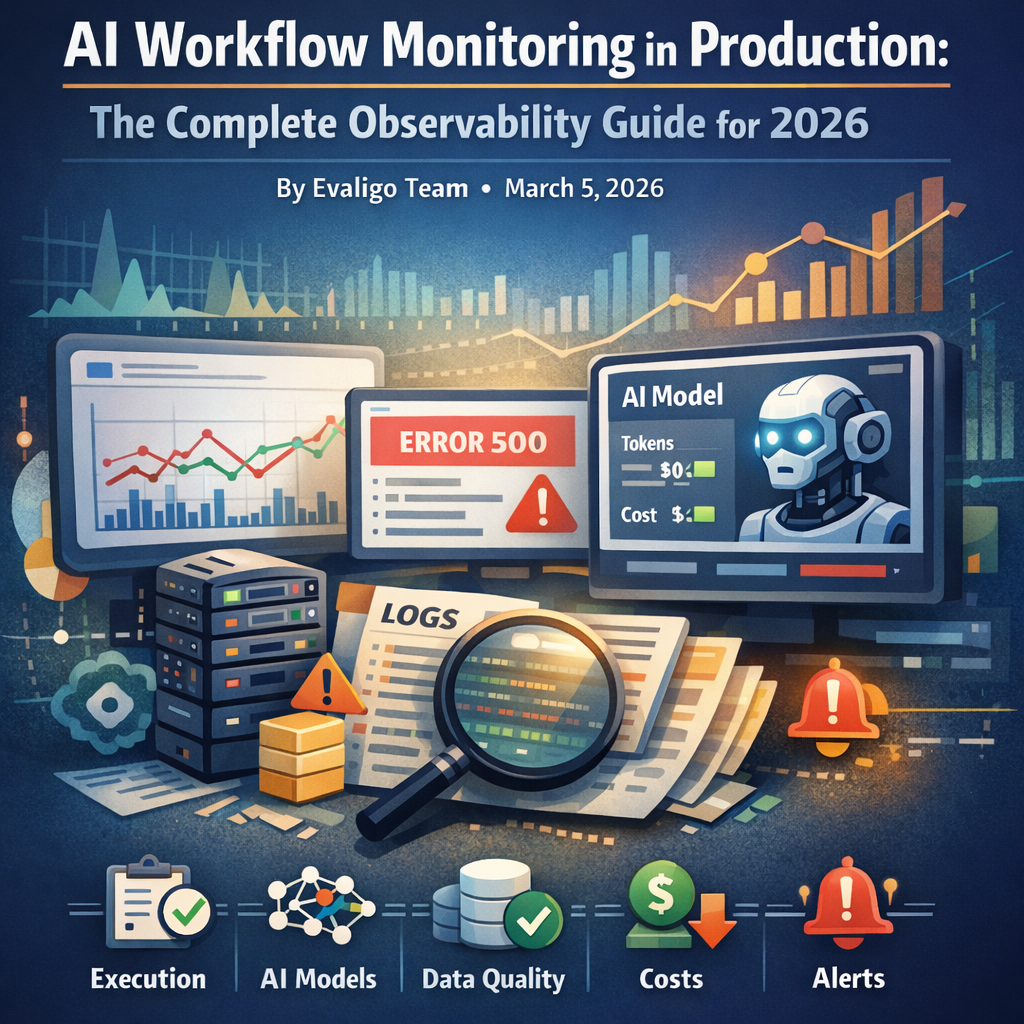
You've built an AI workflow that works perfectly in testing. You deploy it to production, and within hours, users report failures. Your logs show "Error 500" but give no context about which AI model failed, what input caused the issue, or how many requests were affected.
This is the AI workflow monitoring gap, and it's costing companies thousands in failed automations and lost trust.
Unlike traditional software where monitoring tools like Datadog and New Relic have mature solutions, AI workflows require a fundamentally different observability approach. In this guide, we'll explore why traditional monitoring fails for AI systems, what metrics actually matter, and how to build production-grade observability into your workflows from day one.
Why Traditional Monitoring Fails for AI Workflows
Traditional APM tools track HTTP requests, database queries, and server metrics. But AI workflows introduce unique challenges:
Non-deterministic outputs: the same input can produce different results, making it hard to define "correct" behavior.
Multi-step dependencies: a single workflow might call 5 different AI models, 3 APIs, and 2 databases.
Token costs: unlike traditional compute, AI costs vary wildly based on input/output length.
Latency spikes: AI model inference can take 100ms or 10 seconds depending on load.
Context window limits: workflows can fail silently when inputs exceed model limits.
According to McKinsey's State of AI 2025 report (November 2025), only 39% of organizations report EBIT impact at the enterprise level from AI initiatives, a gap largely attributed to production reliability issues. Meanwhile, a 2025 survey of 2,000+ n8n workflows found that 34.7% of AI workflows lacked proper error handling, and 67% had no cost tracking despite using paid LLM APIs. This creates blind spots where failures go unnoticed until users complain or bills spike unexpectedly.
The Five Pillars of AI Workflow Observability
Effective AI workflow monitoring requires tracking five distinct layers:
1. Execution Observability
Did the workflow run? How long did it take? Which steps completed? This is your baseline health check. Tools like Evaligo's built-in execution logs, n8n's workflow history, or custom logging to Datadog provide this layer.
2. AI Model Observability
Which model was called? What was the prompt? What did it return? How many tokens were used? This requires LLM-specific observability tools like LangSmith, Helicone, or Maxim AI.
3. Data Quality Observability
Was the input data valid? Did the output match expected schema? This prevents garbage-in-garbage-out scenarios. Use validation nodes and schema checks at workflow boundaries.
4. Cost Observability
How much did this execution cost? Are we within budget? Which steps are most expensive? Critical for production sustainability.
5. Business Metrics Observability
Did the workflow achieve its business goal? For example, if your workflow generates ad copy, did those ads get approved and published? This connects technical metrics to business outcomes.
Implementing Execution-Level Monitoring
Start with the basics: track every workflow execution with structured logging. At minimum, log: execution ID, timestamp, trigger source, input parameters, execution status (success/failure/timeout), total duration, and error messages.
In Evaligo, this is built-in: every workflow execution gets an ID and detailed logs accessible via the UI or API. For custom solutions, use a logging service like Logtail or Better Stack.
Structure your logs as JSON for easy parsing:
{
  "execution_id": "exec_123",
  "workflow": "content_generator",
  "status": "success",
  "duration_ms": 2340,
  "steps_completed": 5,
  "cost_usd": 0.023
}
Add alerting for critical failures: if your workflow hasn't run successfully in 2 hours, send a Slack notification. If error rate exceeds 5%, page the on-call engineer.
A common pattern is to create a "monitoring" branch in your workflow that runs after completion, logging metrics to a time-series database like InfluxDB or TimescaleDB. This gives you historical trends and enables dashboards showing workflow health over time.
AI Model Observability: Tracking Prompts, Responses, and Tokens
The most critical (and overlooked) monitoring layer is tracking your AI model calls. Every LLM invocation should log:
- Model name and version: With rapid releases like GPT-5.1-Codex-Max (November 2025) and Claude Sonnet 4.6 (February 2026), tracking exact model versions is critical for debugging and cost analysis
- Full prompt sent (including system message and context)
- Full response received
- Token counts (prompt tokens, completion tokens, total)
- Latency (time to first token, total generation time)
- Cost (calculated from token count and model pricing)
Tools like LangSmith, Helicone, and Maxim AI specialize in this. For example, LangSmith's tracing shows the entire chain of LLM calls in a multi-step workflow, with token counts and costs at each step.
If you're using Evaligo's built-in AI nodes, token usage is automatically tracked in execution logs. For custom integrations, wrap your LLM API calls with logging:
const response = await trackLLMCall({
  model: 'gpt-4',
  prompt,
  metadata: { workflow_id, step_name }
});
This data is invaluable for debugging ("why did this workflow fail?"), optimization ("which prompts use the most tokens?"), and cost control ("we spent $500 on this workflow last month, can we reduce it?").
Real-Time Error Handling and Alerting Patterns
Production AI workflows need sophisticated error handling beyond simple try-catch blocks. Implement these patterns:
Retry with Exponential Backoff: AI APIs can be rate-limited or temporarily unavailable. Retry failed requests with increasing delays (1s, 2s, 4s, 8s).
Fallback Models: If GPT-4 fails, fall back to GPT-3.5 or Claude. If all external APIs fail, return a cached response or graceful error message.
Circuit Breakers: If an AI model fails 5 times in a row, stop calling it for 5 minutes to prevent cascading failures.
Partial Success Handling: In batch workflows processing 1,000 items, don't fail the entire job if 1 item fails. Log the failure and continue.
Alert Routing: Not all errors are equal. Route critical errors (payment processing failures) to PagerDuty, medium errors (content generation failures) to Slack, and low-priority errors (analytics tracking failures) to email.
A real-world example: a marketing automation workflow that generates social posts should retry on rate limits, fall back to a simpler prompt if the AI refuses the request, and alert the marketing team if >10% of posts fail generation, but not wake anyone up at 3am.
Cost Monitoring and Budget Controls
AI workflow costs can spiral out of control fast. A single bug that causes infinite retries can cost thousands of dollars overnight. Implement these cost controls:
Per-Execution Budget Limits: Set a maximum cost per workflow run (e.g., $0.50). If exceeded, halt execution and alert.
Daily/Monthly Budgets: Track cumulative costs and pause workflows when approaching budget limits.
Token Count Estimation: Before calling an expensive model, estimate token count and cost. If it exceeds threshold, use a cheaper model or shorter prompt.
Cost Attribution: Tag every workflow execution with customer ID, project ID, or team name. This enables showback/chargeback and identifies which customers are driving costs.
Cost Optimization Alerts: Alert when costs spike 2x above baseline. Example: "Your content_generator workflow cost $45 yesterday vs $20 average, investigate".
Tools like Finout and CloudZero specialize in AI cost monitoring, integrating with OpenAI, Anthropic, and other providers to show per-workflow costs. In Evaligo, you can track costs by bringing your own API keys and monitoring usage through provider dashboards, or use platform credits and view costs in the billing dashboard.
A practical approach: create a "cost_tracker" node that runs at the end of every workflow, calculating total cost and writing to a database. Query this daily to generate cost reports and identify optimization opportunities.
Building Dashboards for AI Workflow Health
Raw logs are useful for debugging, but dashboards provide at-a-glance health visibility. Build dashboards showing:
Execution Metrics: Total runs (last 24h), success rate (%), average duration, P95 latency.
Error Metrics: Error count, error rate, top error messages, errors by workflow.
AI Model Metrics: Total LLM calls, tokens used, average tokens per call, cost per call, most expensive workflows.
Business Metrics: For a content workflow: posts generated, posts published, approval rate. For a lead enrichment workflow: leads processed, data points enriched, enrichment success rate.
Alerts & Incidents: Active alerts, recent incidents, MTTR (mean time to resolution).
Use Grafana (open-source), Datadog, or built-in dashboards in tools like Evaligo. A simple approach: export workflow metrics to Google Sheets or Airtable and build dashboards with native charting. For production systems, invest in proper observability infrastructure.
Example dashboard for a marketing automation workflow: Top row shows 24h metrics (1,247 posts generated, 98.2% success rate, $12.34 cost). Middle section shows hourly execution trends and error spikes. Bottom section shows per-workflow breakdown (Twitter: 500 posts, $4.20; LinkedIn: 400 posts, $6.10; Instagram: 347 posts, $2.04). This enables quick answers to questions like "Is the system healthy?" and "Where should we optimize?"
Advanced: Distributed Tracing for Multi-Step Workflows
Complex AI workflows involve dozens of steps across multiple services. Distributed tracing connects these steps into a single view, showing exactly where time is spent and where failures occur.
Implement OpenTelemetry (the industry standard) to instrument your workflows. In December 2025, Datadog announced native support for OpenTelemetry GenAI Semantic Conventions, marking a major milestone for LLM observability standardization. Each workflow execution gets a trace_id that flows through all steps. Each step (AI model call, API request, database query) becomes a "span" with start time, end time, and metadata. Tools like Jaeger, Zipkin, or Honeycomb visualize these traces.
Example: A content generation workflow has these spans:
[1] Fetch topic from database (45ms)
[2] Generate outline with GPT-4 (1,200ms)
[3] Expand each section with Claude (2,400ms)
[4] Generate image with DALL-E (3,800ms)
[5] Save to CMS (120ms)
---
Total: 7,565ms
The trace shows that image generation takes 50% of total time, an optimization opportunity.
Distributed tracing also helps debug failures: if step 3 failed, you can see exactly what input it received from step 2, what parameters were used, and what error was returned.
For Evaligo workflows, tracing is built-in: click any execution to see the step-by-step breakdown with timing and data flow. For custom systems, add OpenTelemetry instrumentation to your workflow engine. This is advanced but essential for production systems processing thousands of workflows daily.
Best Practices and Production Checklist
Before deploying AI workflows to production, validate these monitoring requirements:
- Logging: Every execution logs structured data (execution_id, status, duration, cost)
- Alerting: Critical failures trigger immediate alerts (PagerDuty/Slack)
- Dashboards: Team has visibility into workflow health (success rate, latency, cost)
- Error Handling: Workflows gracefully handle API failures, rate limits, and invalid inputs
- Cost Controls: Budget limits prevent runaway costs
- Tracing: Can debug failures by viewing full execution trace with inputs/outputs
- Metrics Export: Key metrics flow to your observability platform (Datadog, Grafana, etc.)
- Runbooks: Team has documented procedures for common failures
- Load Testing: Workflows tested at 10x expected load to identify bottlenecks
- Rollback Plan: Can quickly revert to previous version if new deployment fails
Additional Best Practices
Monitor upstream dependencies: if OpenAI API is degraded, your workflows will fail. Use status page monitors.
Implement rate limiting: don't let one customer's workflow consume all resources.
Version your workflows: when debugging, knowing which version was running is critical.
Test monitoring in staging: trigger failures intentionally to verify alerts work.
Review metrics weekly: identify trends before they become incidents.
The goal isn't perfect monitoring; it's sufficient visibility to detect, diagnose, and resolve issues quickly. Start simple (execution logging + Slack alerts), then add layers (cost tracking, tracing) as you scale.
With proper observability, you'll catch issues before users do, optimize costs proactively, and build confidence in your AI automation systems.
Ready to Build This?
Start building AI workflows with Evaligo's visual builder. No coding required.
Need Help With Your Use Case?
Every business is different. Tell us about your specific requirements and we'll help you build the perfect workflow.
Get Help Setting This UpFree consultation • We'll review your use case • Personalized recommendations

Founder of Evaligo. Building AI automation tools that help teams ship faster. Previously led engineering at enterprise AI companies.