
AI Automation · 14 min read
How We Built an Agentic AI Workflow for Instant Competitor Discovery
A technical deep dive into building the Agentic Competitors Finder, an AI workflow that discovers and analyzes competitors in 15-25 seconds using autonomous web research, tool calling, and real-time analysis. Includes ClientCues case study and integration guide.
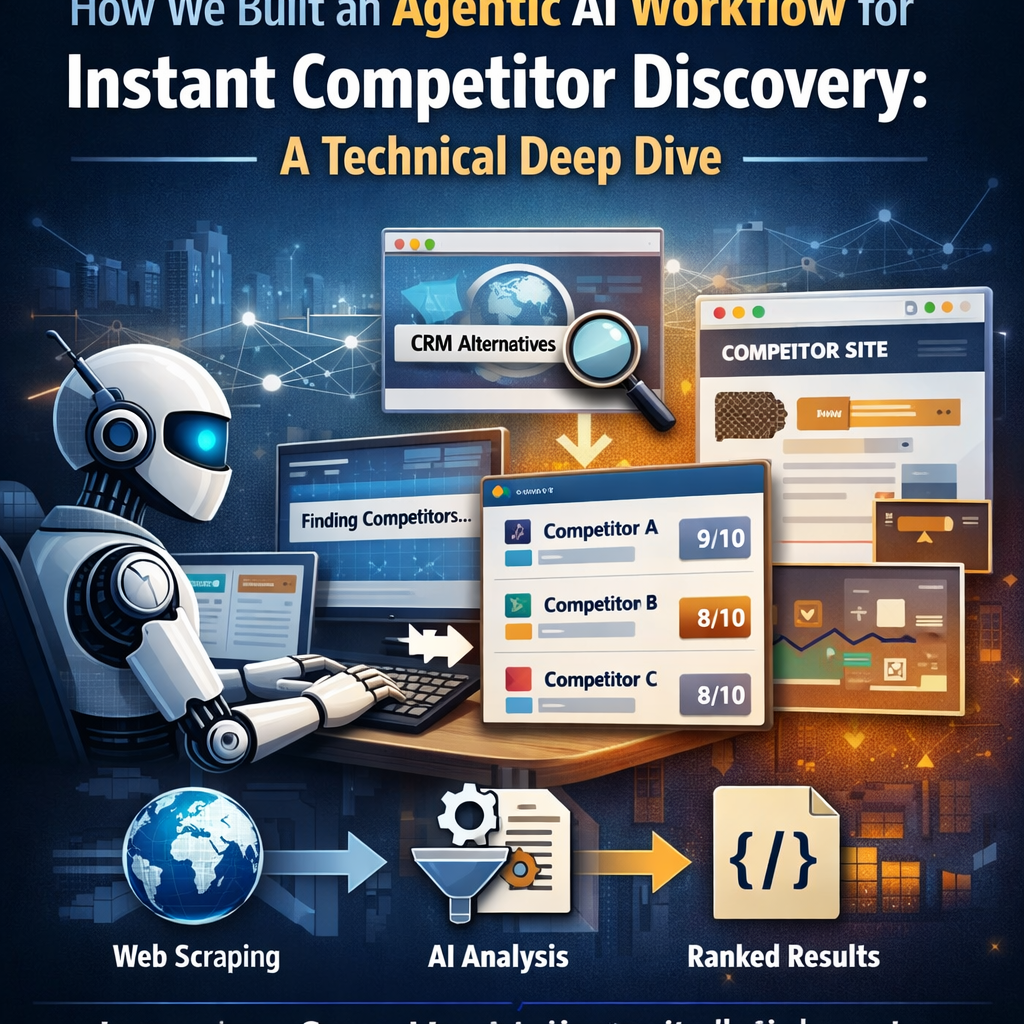
Competitive intelligence is one of those tasks that every business needs but nobody wants to do manually. Spending hours researching competitors, visiting their websites, analyzing their positioning, and maintaining spreadsheets is tedious work that pulls teams away from strategic initiatives. Yet understanding your competitive landscape is critical for product development, marketing strategy, and sales enablement.
This is exactly why we built the Agentic Competitors Finder, a production-ready AI workflow that discovers and analyzes competitors in 15-25 seconds. Not from a static database. Not from outdated information. But by autonomously searching the web, visiting competitor websites in real-time, and analyzing their actual positioning and offerings.
In this post, I'll walk you through how we architected this agentic AI workflow, the technical decisions behind it, and how our customer ClientCues integrated it to transform their competitive intelligence platform. Whether you're building AI automations for your own business or looking to understand how agentic workflows work in production, this deep dive will give you practical insights you can apply immediately.
🎯 What You'll Learn
How the 5-node agentic workflow architecture works, why tool calling enables autonomous competitor research, how ClientCues integrated it in under a day, and how to deploy your own version.
The Problem: Static Databases Don't Capture Real Competitive Landscapes
Traditional competitor discovery tools rely on pre-built databases of companies. You search for a category like "CRM software" and get back a list of well-known players. The problem? These databases are:
- Outdated: Company positioning changes faster than databases update
- Incomplete: Niche competitors and new entrants are missing
- Generic: They don't understand your specific market segment
- Expensive: Enterprise tools like Crayon and Klue cost $10,000-50,000+ annually
What businesses really need is a system that can:
- Understand what your company actually does (not just keywords)
- Search the web for relevant competitors in real-time
- Visit competitor websites to verify they're actually relevant
- Analyze positioning, features, and target audience
- Rank competitors by similarity and relevance
- Return structured, actionable data
This is where agentic AI workflows shine. Instead of querying a database, you deploy an autonomous agent that researches competitors the same way a human analyst would, but in seconds instead of hours.
The Architecture: 5 Nodes, Tool Calling, and Autonomous Decision-Making
The Agentic Competitors Finder workflow consists of five carefully orchestrated nodes that work together to deliver comprehensive competitor analysis. Here's how it works:
Node 1: API Input, Accepting the Target Domain
The workflow starts with a simple API input that accepts a company domain (e.g., clientcues.com). This is deployed as a REST API endpoint, so any application can trigger competitor discovery with a single HTTP request:
curl -X POST https://app.evaligo.com/api/public/v1/flows/execute/YOUR_FLOW_ID \
  -H "Authorization: Bearer YOUR_API_KEY" \
  -H "Content-Type: application/json" \
  -d '{"domain": "clientcues.com"}'
The API returns a job ID that clients can poll for results. This asynchronous pattern is critical for workflows that take 15-25 seconds to complete; you don't want to block HTTP connections for that long.
Node 2: Fetch HTML, Scraping the Company Homepage
Once we have the target domain, the workflow uses our web scraping node to fetch the company's homepage HTML. This node handles:
- JavaScript rendering: Many modern sites require browser automation
- Rate limiting: Respects robots.txt and implements polite delays
- Error handling: Retries on timeouts, handles redirects gracefully
The raw HTML is passed to the next node for text extraction.
Node 3: HTML Text Extractor, Cleaning and Structuring Content
Raw HTML contains navigation menus, footers, scripts, and other noise. The text extractor node uses intelligent parsing to:
- Remove boilerplate content (headers, footers, navigation)
- Extract main content sections (hero text, product descriptions, features)
- Preserve semantic structure (headings, lists, key sections)
- Output clean, readable text for AI analysis
This clean text becomes the input for our AI agent in the next node.
Node 4: The AI Agent, Autonomous Research with Tool Calling
This is where the magic happens. We use a large language model with tool calling (also called function calling) to create an autonomous agent that can:
- Analyze the target company: Read the homepage text to understand product category, target audience, pricing tier, and key features
- Plan search strategies: Generate 3+ Google search queries with varied angles ("alternatives to X", "best [category] tools", "[key feature] software")
- Execute web searches: Use the
google_searchtool to find candidate competitors - Visit competitor websites: Use the
fetch_page_contenttool to scrape each candidate's homepage - Verify relevance: Analyze each competitor's actual positioning to filter out irrelevant results
- Rank by similarity: Score competitors based on feature overlap, product focus, and target audience alignment
Here's a simplified version of the prompt that powers this agent:
You are a competitive intelligence researcher.
Given a company's homepage text, your task is to:

1. Analyze what the company does:
   - Product category and core value proposition
   - Target audience (enterprise, SMB, startups)
   - Pricing tier (free, affordable, enterprise)
   - Key differentiating features

2. Search for competitors using multiple strategies:
   - Direct alternatives ("alternatives to [company]")
   - Category searches ("best [category] for [audience]")
   - Feature-based searches ("[key feature] software")

3. For each candidate competitor:
   - Visit their homepage using fetch_page_content
   - Verify they serve the same market segment
   - Analyze feature overlap and positioning
   - Assign a similarity tier (direct/close/partial)
   - Calculate a similarity score (1-10)

4. Return up to 7 competitors ranked by relevance
The agent has access to two tools:
google_search: Executes Google searches and returns top results with titles, URLs, and snippets.
fetch_page_content: Visits a URL, renders JavaScript if needed, and returns clean text content.
The AI model autonomously decides when to use each tool, how many searches to run, which websites to visit, and how to rank the results. This is the essence of agentic AI: the system makes intelligent decisions rather than following a rigid script.
Node 5: API Output, Returning Structured Results
The final node formats the agent's analysis into clean JSON and returns it through the API:
{
  "company_domain": "clientcues.com",
  "company_category": "competitive intelligence",
  "competitors": [
    {
      "domain": "crayon.co",
      "name": "Crayon",
      "url": "https://crayon.co",
      "description": "AI-powered competitive intelligence platform",
      "match_reason": "Direct competitor in CI space, similar features",
      "similarity_tier": "direct",
      "similarityScore": 9,
      "logo_url": "https://www.google.com/s2/favicons?domain=crayon.co&sz=64"
    }
  ]
}
This structured output is ready for immediate integration into dashboards, reports, or user interfaces.
Real-World Success: How ClientCues Integrated the Workflow in Under a Day
The best way to understand the value of this workflow is to see how it's used in production. ClientCues, a competitive intelligence platform for B2B startups, needed to add competitor discovery to their product. They had two options:
- Build it themselves: Months of development for web scraping infrastructure, AI integration, ranking algorithms, and quality assurance
- Use Evaligo's Agentic Competitors Finder: Integrate via API in under a day
They chose option 2. Here's what happened:
Integration Timeline: Less Than One Day
The ClientCues team integrated the workflow in a few hours:
- Morning: Created an Evaligo account, explored the template, tested it with their own domain
- Afternoon: Generated API credentials, implemented the polling logic in their backend
- Evening: Built a polished frontend with animated progress indicators and results display
By the end of the day, they had a production-ready competitor discovery feature.
The User Experience: 15-25 Seconds from Input to Insights
When a ClientCues user enters their domain:
- Animated progress bar shows the workflow status ("Analyzing your website...", "Searching for competitors...", "Verifying matches...")
- Real-time updates as the agent completes each phase
- Results display with company logos, similarity tier badges (color-coded: green for "direct", blue for "close", gray for "partial"), match scores with visual progress bars, and detailed match reasoning
The entire process takes 15-25 seconds. What used to require hours of manual research now happens automatically while the user waits.
The Business Impact: From Hours to Seconds
ClientCues shared the impact in their blog post about the integration:
"Before Evaligo, we were manually researching competitors for our users. It took 2-3 hours per company and the results were inconsistent. Now it's automated, faster, and more comprehensive. We can offer this feature to every user instead of making it a premium add-on."
The workflow transformed their product economics:
- Cost reduction: No need to hire analysts for manual research
- Scalability: Can serve unlimited users without marginal cost increases
- Quality: AI agent visits websites in real-time, ensuring fresh data
- Differentiation: Offers a feature that competitors charge $10,000+ for
ClientCues positions themselves as the "affordable alternative to Crayon and Klue." The Agentic Competitors Finder is a key part of that value proposition.
Why Agentic Workflows Outperform Traditional Automation
The Agentic Competitors Finder demonstrates several advantages of agentic AI workflows over traditional automation:
1. Autonomous Decision-Making
Traditional workflows follow rigid scripts: "Search for X, scrape Y, format as Z." Agentic workflows make intelligent decisions:
- How many searches to run based on initial results
- Which websites to visit based on search snippets
- How to rank competitors based on nuanced analysis
- When to stop searching because enough quality results are found
The AI agent adapts to each unique company instead of following a one-size-fits-all process.
2. Real-Time Web Research
Static databases become outdated quickly. Agentic workflows research the live web:
- Visit actual company websites to see current positioning
- Discover new competitors that launched last week
- Capture recent pivots or product changes
- Verify companies are still active and relevant
This real-time approach ensures data accuracy that databases can't match.
3. Quality Over Quantity
Many competitor tools return 50+ results with minimal filtering. The Agentic Competitors Finder prioritizes quality:
- Returns up to 7 carefully vetted competitors
- Filters out tech giants when looking for niche tools
- Verifies each competitor serves the same market segment
- Provides detailed reasoning for each match
Users get actionable insights instead of overwhelming lists.
4. Tool Calling Enables Complex Workflows
The ability for AI models to use tools (search, web scraping, APIs) unlocks sophisticated automation:
- The agent decides which tools to use and when
- Multiple tool calls can be chained together dynamically
- Error handling and retries happen automatically
- The workflow adapts based on intermediate results
This is fundamentally different from traditional if/then automation logic.
5. Production-Ready API Deployment
Evaligo workflows deploy as REST APIs with one click:
- Authentication: API keys and secure endpoints
- Documentation: Auto-generated API docs with code examples
- Monitoring: Real-time execution logs and error tracking
- Versioning: Deploy updates without breaking existing integrations
No DevOps work required. Build the workflow visually, click "Deploy as API", and start integrating.
Technical Considerations: Building Reliable Agentic Workflows
While agentic workflows are powerful, they require careful design to work reliably in production. Here are key lessons from building the Agentic Competitors Finder:
Prompt Engineering is Critical
The quality of your results depends entirely on your prompt. We iterated dozens of times to get the agent behavior right:
- Be specific about output format: Define exact JSON structure expected
- Provide ranking criteria: Explain how to score similarity (feature overlap + target audience + pricing tier)
- Set quality thresholds: "Only return competitors with similarity score ≥ 6"
- Include edge cases: "If the company is a tech giant, only include if directly competitive"
- Test with diverse inputs: B2B SaaS, consumer apps, e-commerce, marketplaces, etc.
Tool Calling Requires Clear Specifications
When defining tools for the AI agent, clarity is essential:
tools = [
  {
    "name": "google_search",
    "description": "Search Google and return top results.",
    "parameters": {
      "query": "Search query string",
      "num_results": "Number of results (default: 10)"
    }
  },
  {
    "name": "fetch_page_content",
    "description": "Fetch text content from a webpage.",
    "parameters": {
      "url": "Full URL to fetch"
    }
  }
]
Clear descriptions help the model choose the right tool at the right time.
Error Handling and Cost Optimization
Web scraping and API calls fail. Agentic workflows need robust error handling and cost controls:
- Retry logic: If a website times out, try again with increased timeout
- Graceful degradation: If one competitor's site fails, continue with others
- Limit tool calls: Set maximum searches to prevent runaway costs
- Cache results: Store company analysis for 24 hours to avoid re-scraping
- Use appropriate models: Strong models for complex reasoning, cheaper ones for simple extraction
Evaligo's workflow engine handles much of this automatically, but designing for failure scenarios is always a good practice.
Getting Started: Deploy Your Own Agentic Competitor Finder
The Agentic Competitors Finder is available as a ready-to-use template on Evaligo. Here's how to get started:
Option 1: Use the Template As-Is
- Sign up for Evaligo at app.evaligo.com (free tier available)
- Browse templates and select Agentic Competitors Finder
- Click "Deploy as API" to get your endpoint and API key
- Integrate into your application using the provided code examples
You can start using the workflow in production within minutes.
Option 2: Customize for Your Use Case
The visual workflow builder lets you modify the template:
- Adjust ranking criteria: Prioritize different factors (pricing, features, geography)
- Change output format: Add fields like funding stage, employee count, tech stack
- Add integrations: Send results to Slack, save to a database, trigger other workflows
- Modify the prompt: Fine-tune agent behavior for your specific market
No coding required, just drag, drop, and connect nodes.
Conclusion: The Future of Competitive Intelligence is Agentic
The Agentic Competitors Finder represents a fundamental shift in how businesses approach competitive intelligence. Instead of paying $10,000-50,000 annually for static databases, companies can deploy autonomous AI agents that research the web in real-time, analyze positioning dynamically, and deliver insights in seconds.
ClientCues proved this works in production. They integrated the workflow in under a day, launched a differentiating feature, and now serve thousands of users with automated competitor discovery.
The same principles (agentic AI, tool calling, structured output, API-first deployment) apply to content generation, lead research, data extraction, compliance checking, and countless other use cases.
If you're building products that require web research, data analysis, or intelligent automation, agentic workflows are the most powerful tool available in 2026. They combine the reasoning capabilities of large language models with the ability to take actions in the real world: searching, scraping, analyzing, and synthesizing information autonomously.
Ready to Build This?
Start building AI workflows with Evaligo's visual builder. No coding required.
Need Help With Your Use Case?
Every business is different. Tell us about your specific requirements and we'll help you build the perfect workflow.
Get Help Setting This UpFree consultation • We'll review your use case • Personalized recommendations

Founder of Evaligo. Building AI automation tools that help teams ship faster. Previously led engineering at enterprise AI companies.